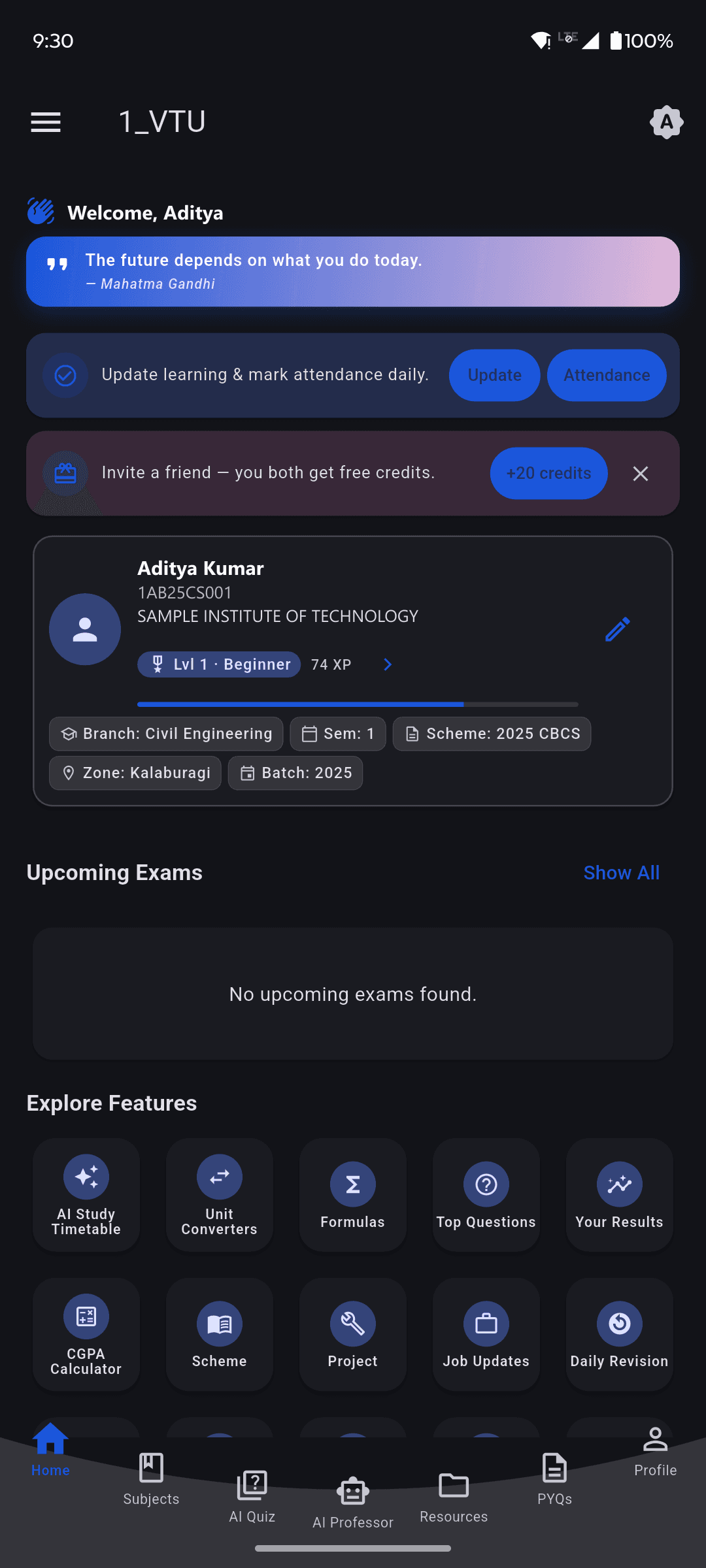
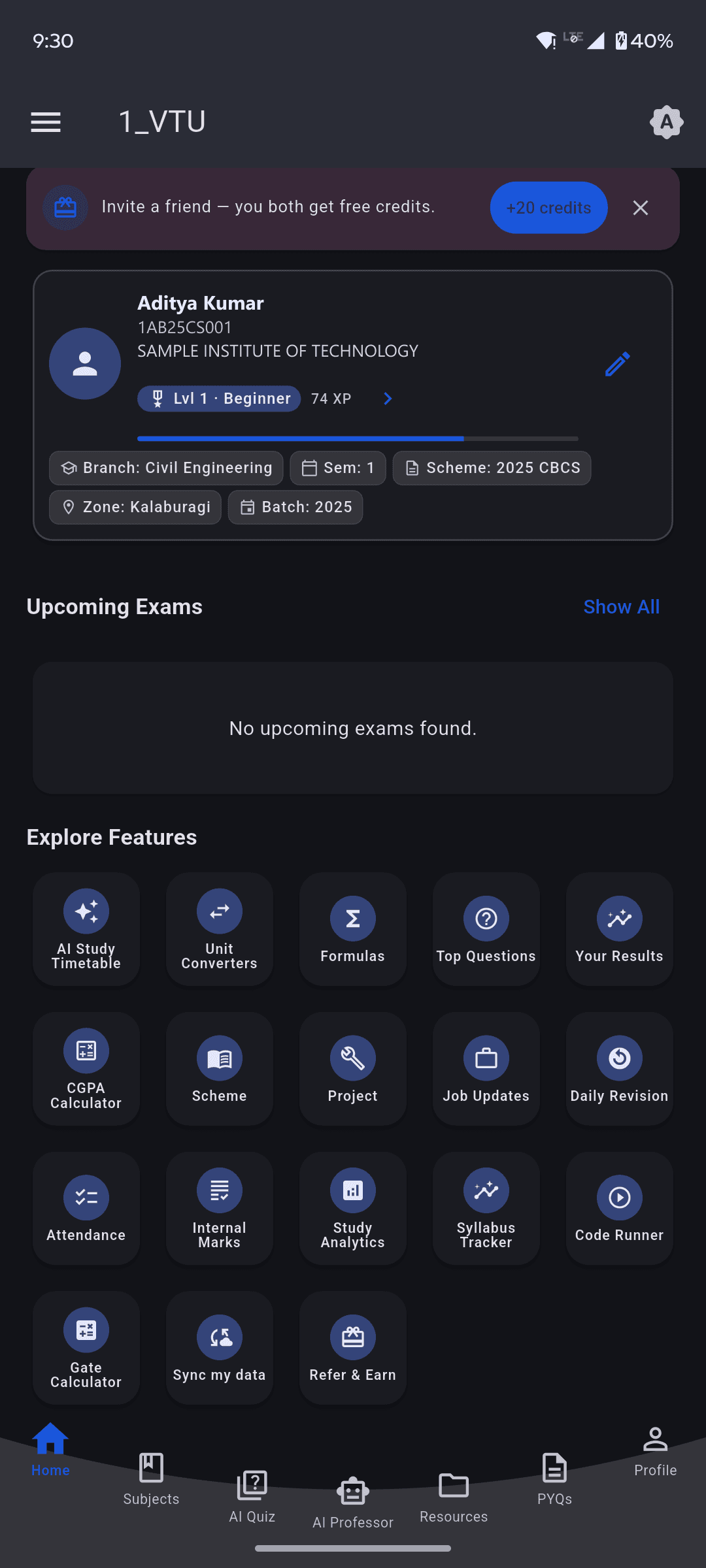
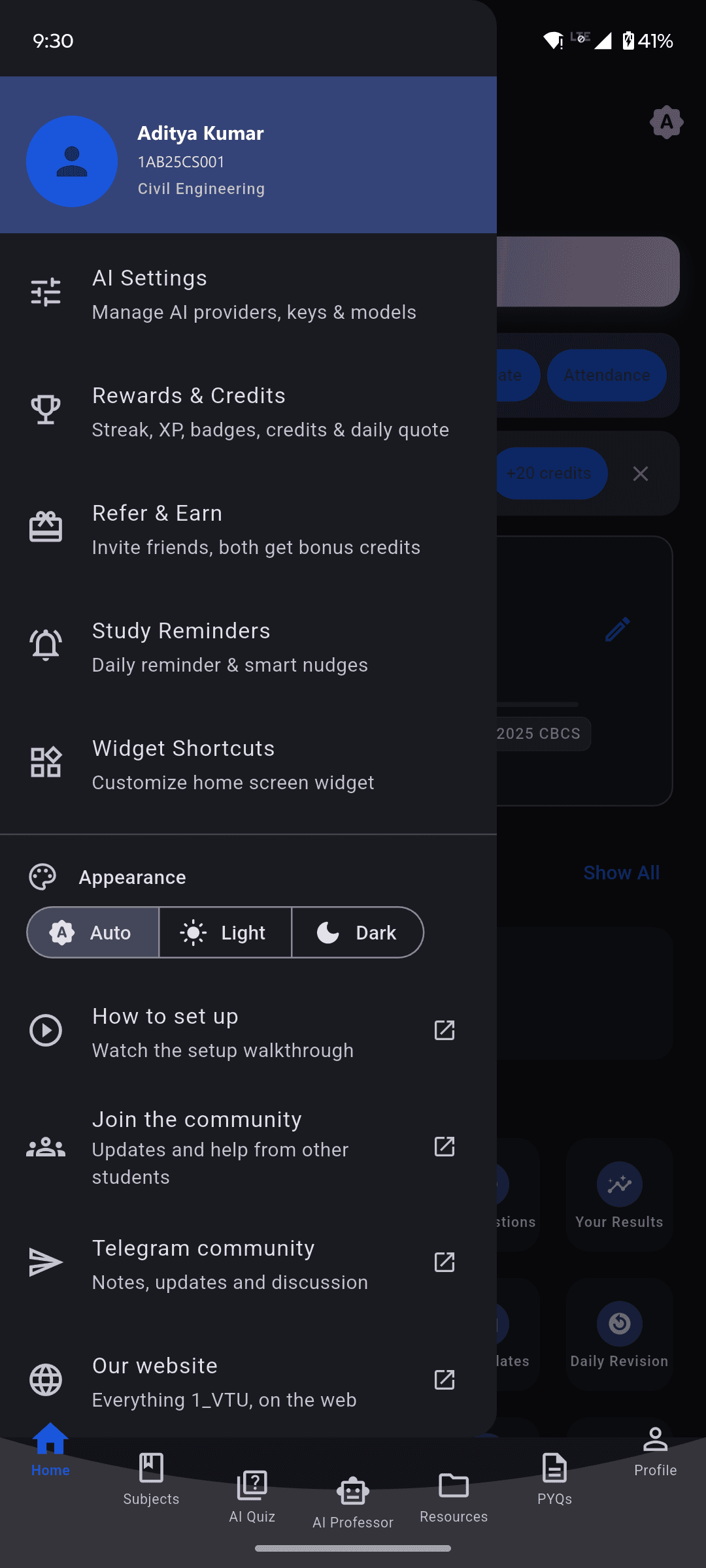
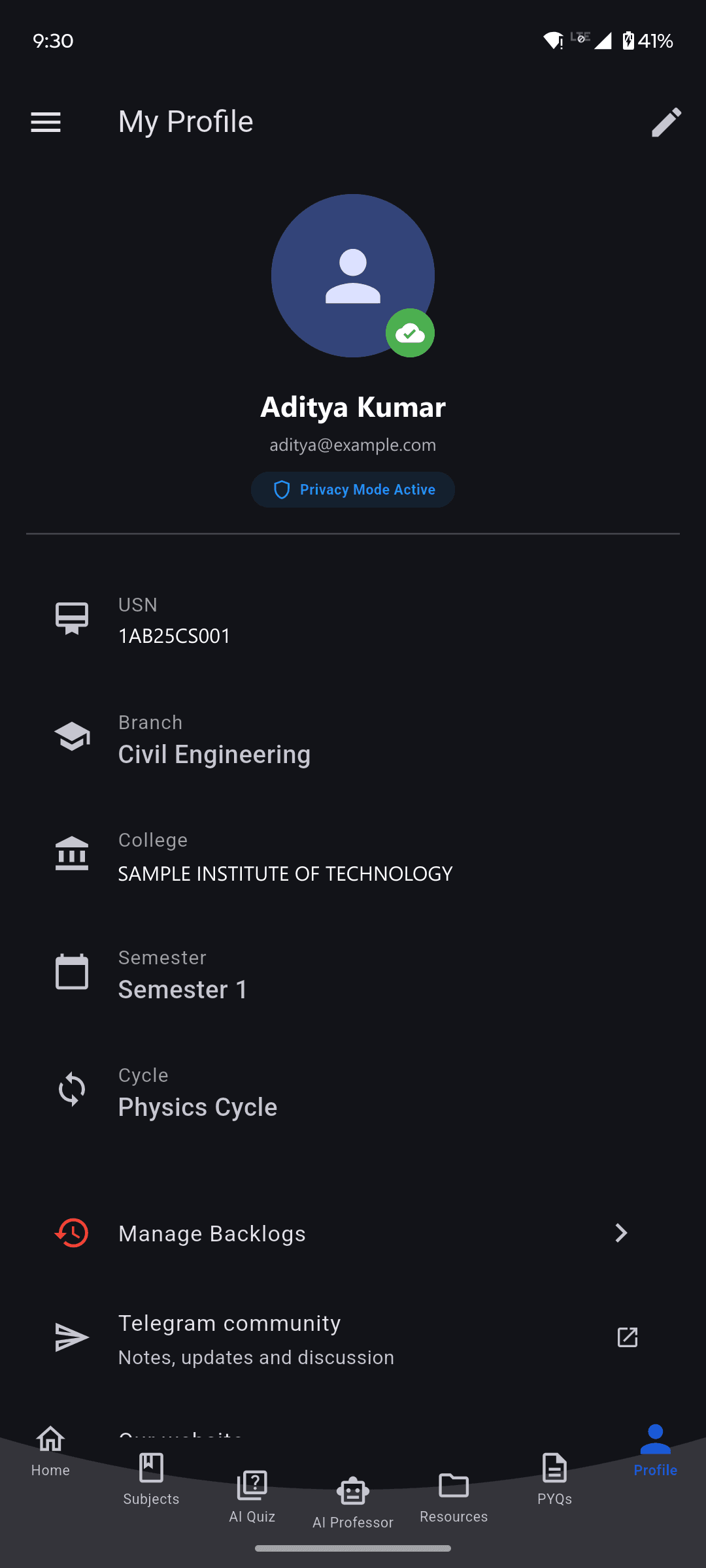
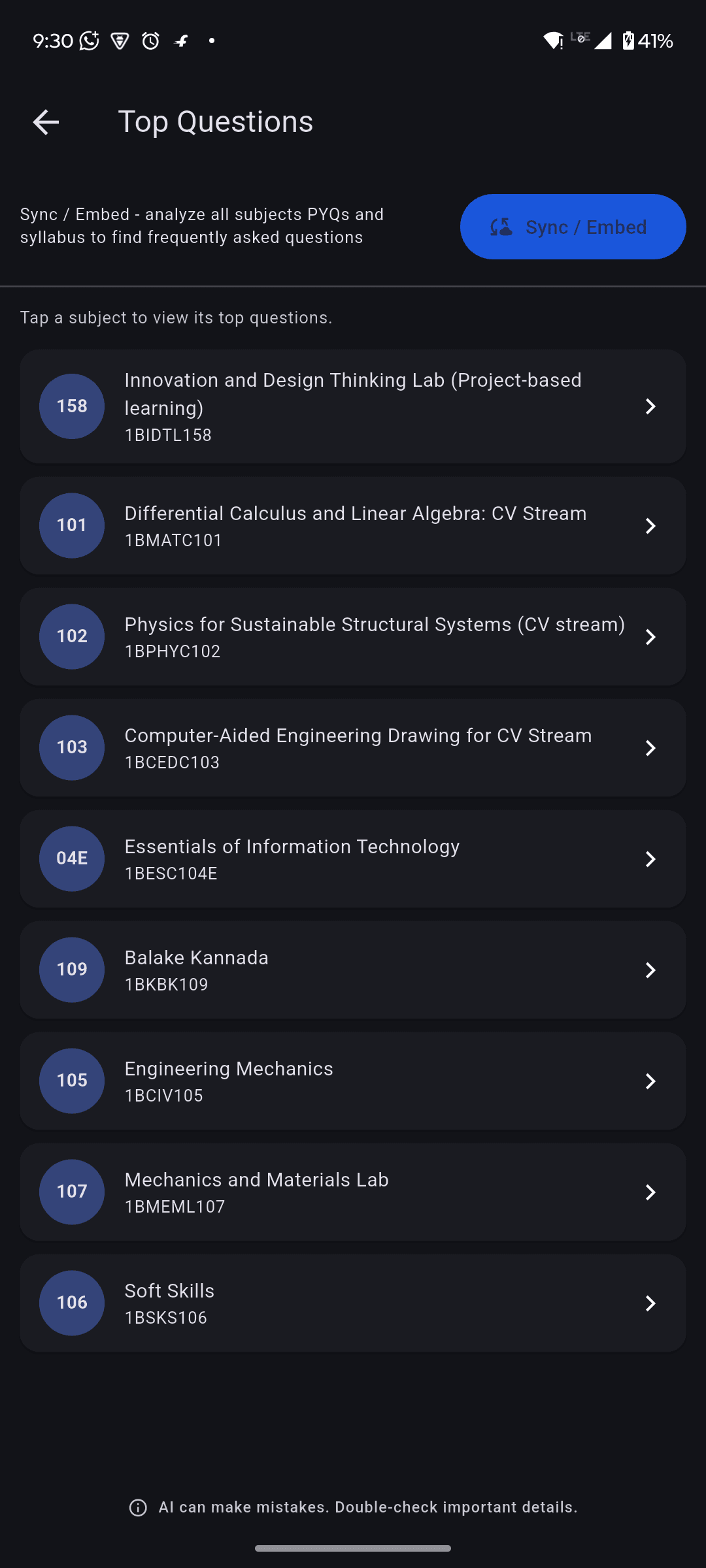
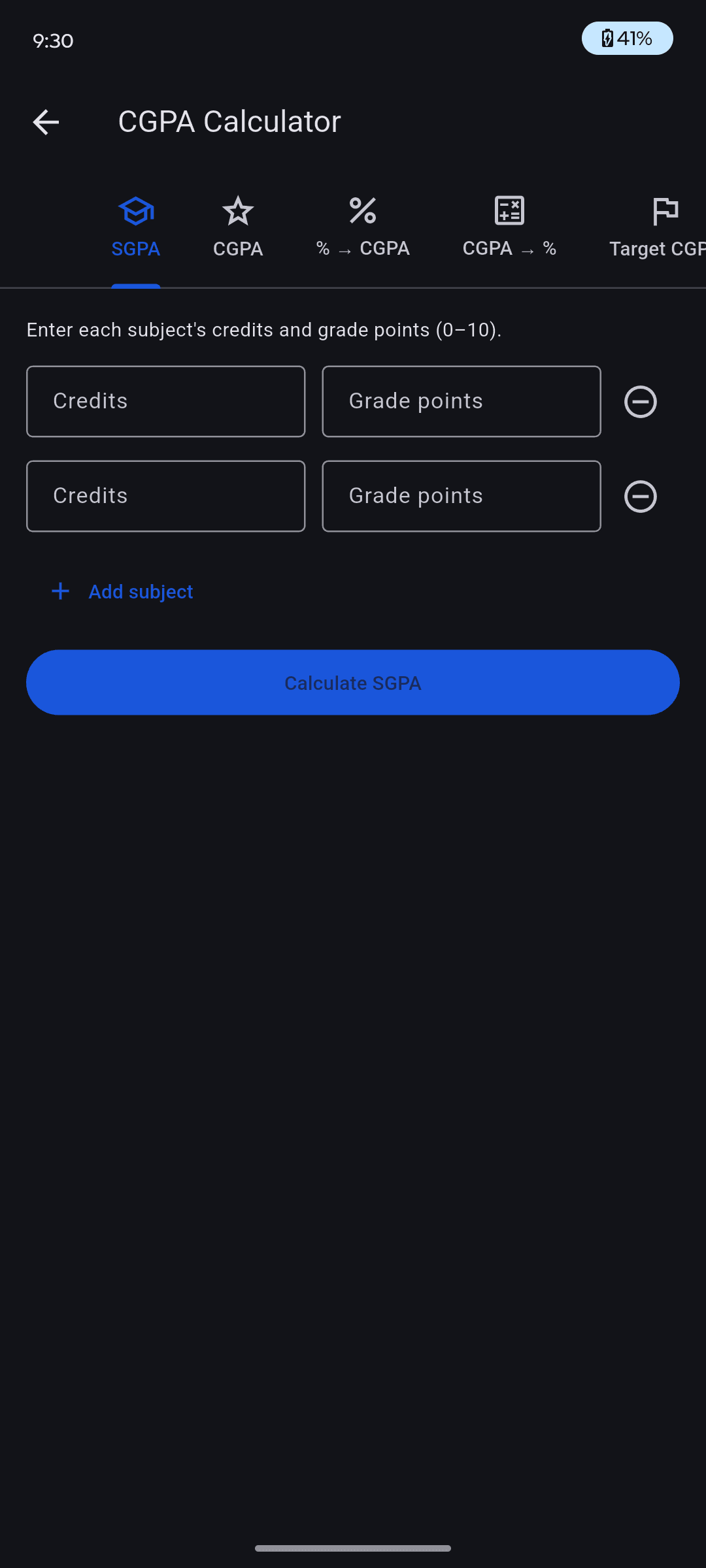
One VTU is a free Android app for VTU engineering students. Set your branch, scheme and semester once — syllabus, previous year papers, AI quizzes, attendance and CGPA then filter themselves to your exact course.
A free account, the Google permissions the app asks for, and what each one is used for.
What the app is for
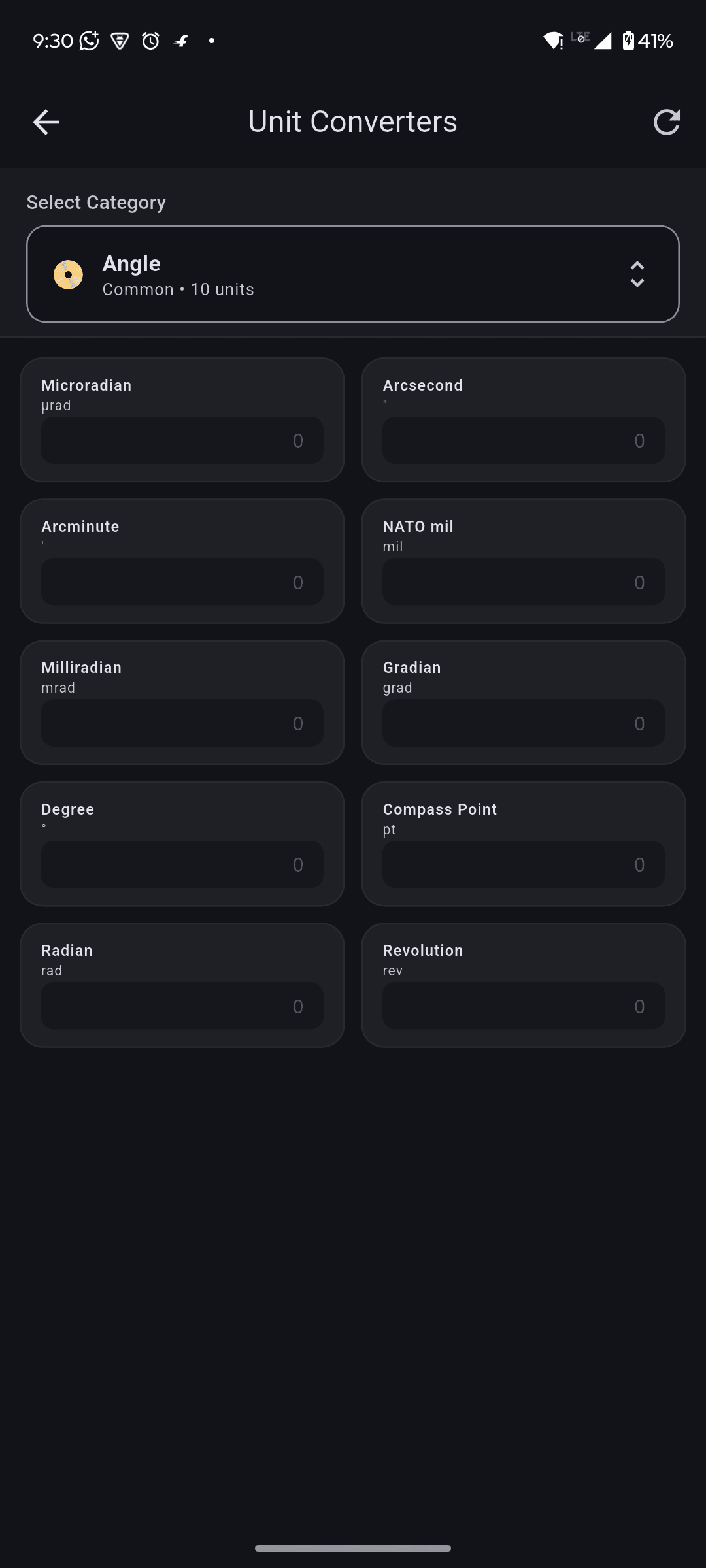
One VTU is a free Android app for engineering students of Visvesvaraya Technological University. It brings the syllabus, previous year question papers, formulas, unit converters, attendance, CGPA and a set of AI study tools into one place, filtered to your branch, scheme and semester. It is free to use and paid for by ads.
Why you need an account
One VTU asks you to sign in before you use it. Your attendance, marks, rewards and study progress are yours, and an account is what lets them follow you to a new phone instead of disappearing with the old one. You can register with an email address and password, or sign in with Google — in which case One VTU receives your name, email address and profile picture from your Google account, and uses them to recognise you when you come back. Nothing is ever posted anywhere on your behalf.
Drive backup sees only its own folder
"Sync my data" keeps a copy of your study data in a private folder of your own Google Drive. It asks for the app data permission only, which cannot see, read or change anything else in your Drive — your photos and documents stay invisible to the app. It runs when you tap it, and the same screen deletes the backup again.
Eight of the tools students open every single day.
Previous Year Papers
Question papers organised by scheme, subject and exam session, opened in a built-in PDF viewer so you never leave the app. Spot the pattern before the exam instead of after it.
Formula Library
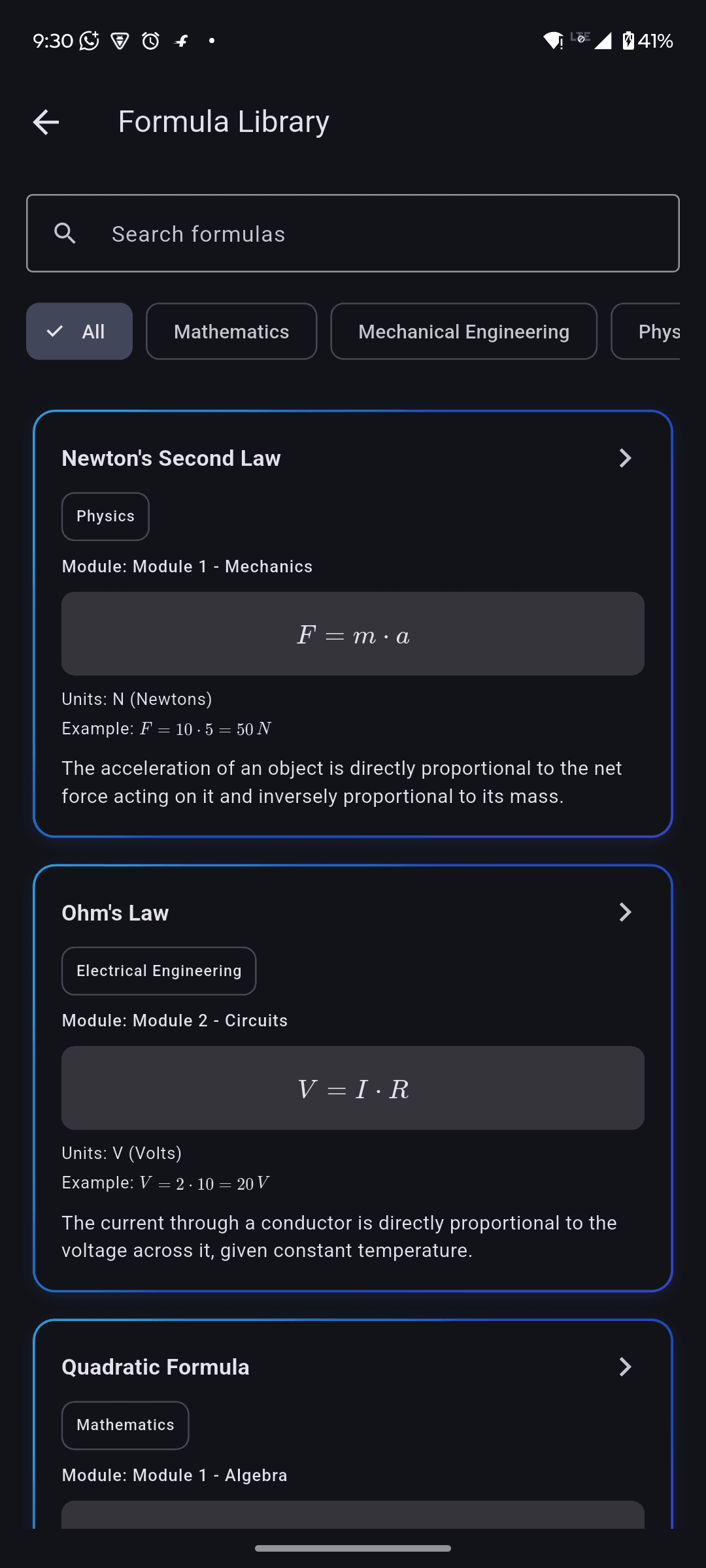
Every formula comes with its variables, units, assumptions, a worked example and a memory trick. Where a formula has a calculator attached, type your values in and it works out the answer.
Daily Dose
Three kinds of content in rotation, so it never feels like the same thing twice: Did You Know, Formula of the Day, and a Question of the Day whose answer stays hidden until you tap. It is matched to your branch, saved on your phone so it opens offline, and can be updated without an app release.
AI Professor
Drop in a PDF, a scanned page or your class notes and ask questions in plain language. Answers come from that material, not from the open internet, so you can trust them against your own syllabus. Text is read on your own phone before anything is sent anywhere.
AI Notebook
Point it at your syllabus, notes or a PDF and it makes the study material for you — a summary, flashcards, a quiz, or a two-speaker audio overview you can listen to on the way to college. Everything is built from your own sources and cited back to them.
AI Quiz
Choose a subject, a module or a single topic and get a fresh multiple-choice test with explanations for every answer. Share your score card with friends when you do well.
AI Study Timetable
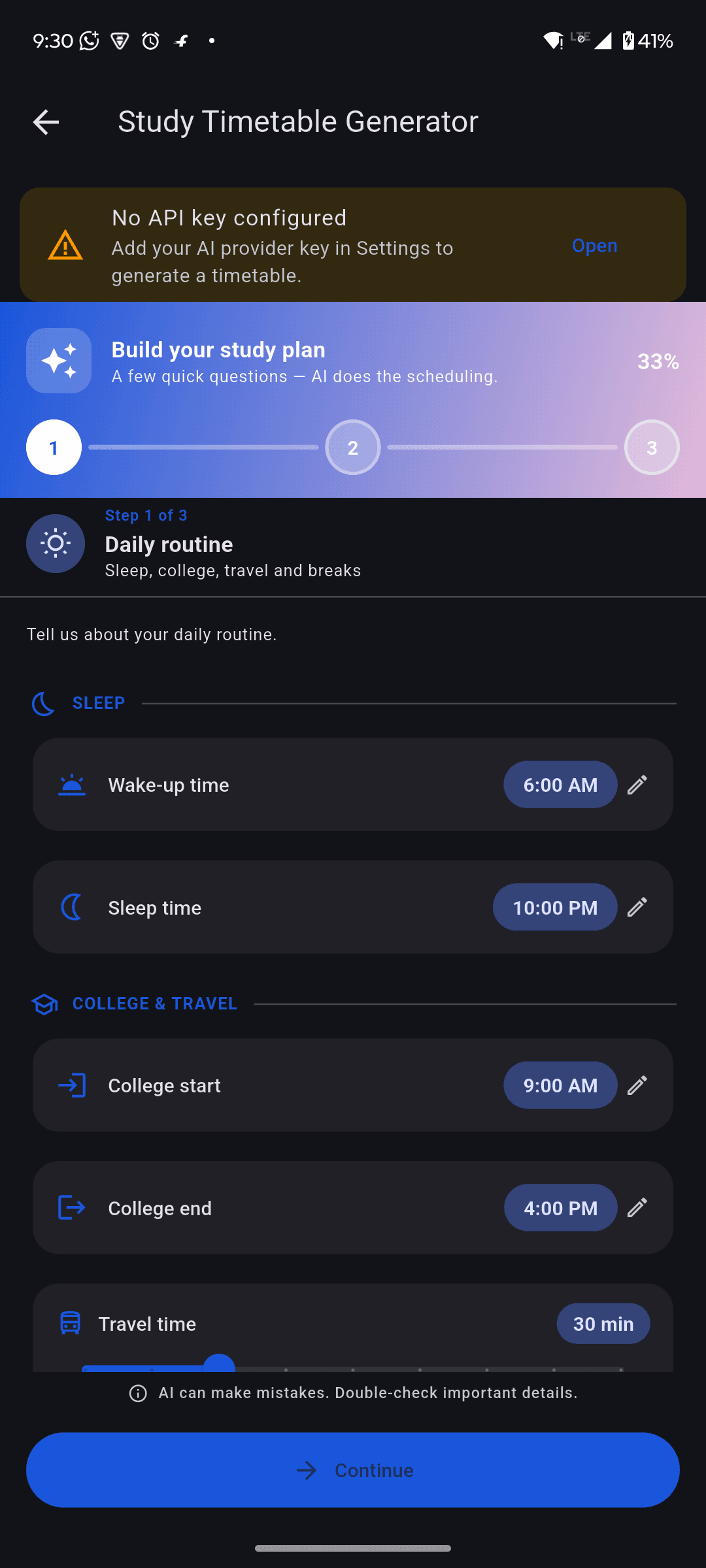
Tell it your free hours and it builds a study plan working backwards from the exam dates already in your timetable — no manual date entry, no generic schedule you will abandon in three days.
Learn with Gen AI
Ask for an explanation, a step-by-step walkthrough, a mind map, an infographic, a formula sheet, a quiz or flashcards, and set the depth from Beginner through to Exam Focused. It can also build the whole thing from a PDF you upload, so it teaches from your own notes.
Attendance Tracker
Mark a class present or absent in one tap. One VTU keeps the running percentage for every subject and does the maths you actually care about: how many more classes you can skip before you drop below the limit.
Three steps and the whole app reshapes itself around your course.
Step 1
Install and sign in
Free from Google Play. Register with an email address or sign in with Google — your account is what keeps your attendance, marks and progress yours when you change phone.
Step 2
Tell it your course
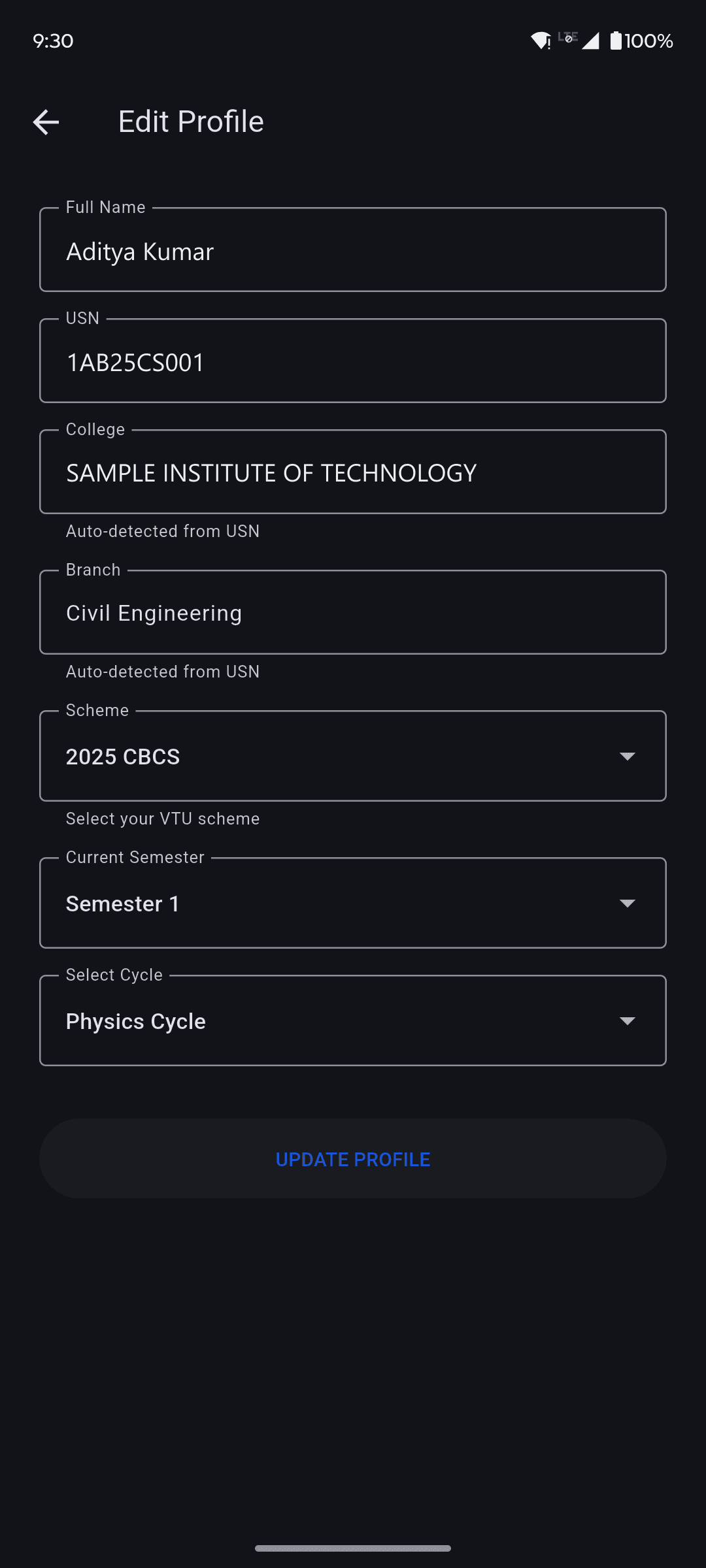
Branch, scheme, semester and cycle. One screen, under a minute. You can change any of it later from your profile.
Step 3
Everything filters itself
Syllabus, question papers, exam dates, subjects, formulas and job posts all narrow down to your exact course. No more scrolling past other branches.
Why One VTU
The difference it makes
What a normal semester looks like, with and without One VTU.
Without it
Hunting through WhatsApp groups for the right syllabus PDF
Last year’s papers scattered across six different drive links
Attendance maths on the back of a notebook, two weeks too late
Formula sheets photographed from a friend’s book
CGPA guessed with an online calculator that assumes the wrong scheme
Exam dates found out from a classmate the night before
With One VTU
Your scheme’s syllabus, opened in two taps
Previous year papers sorted by subject and year, in one place
Live attendance percentage, and how many classes you can still miss
A searchable formula library with a built-in calculator
SGPA and CGPA worked out for your actual scheme and credits
Exam timetable on your home screen, with reminders
VTU's grace marks policy is real, dated 25 May 2017, and almost nothing students repeat about it is accurate. Here is what the notification actually says.
VTU declared its sixth-semester results five minutes after the last practical exam in June 2026. Here is how the turnaround works, where to check your result, and exactly what revaluation costs if a subject goes badly.
Everything you might want to know before installing.
Results
When are VTU results announced?
There is no fixed date, and VTU does not publish one in advance. The long-run pattern has been odd semesters (1, 3, 5, 7) between January and March, and even semesters (2, 4, 6, 8) between June and August. Recently it has been far quicker than that: for the May/June 2026 examinations VTU declared the sixth-semester BE/B.Tech results on 30 June 2026, five minutes after the final practical exam ended. The announcement appears on VTU's own results portal, so that is the only place worth watching.
Where do I check my VTU result?
On VTU's own results portal, results.vtu.ac.in. Pick your course, pick the examination session, then enter your University Seat Number. No password or login is needed, and VTU never asks for one. What you get is a provisional marksheet — your college issues the signed one later. Your USN is all it takes to pull your marks, so enter it only on the official portal or in an app you installed yourself, never on a website you arrived at from a search result.
How much does VTU revaluation cost?
Per VTU's Examination Manual 2024, revaluation is ₹600 per subject for UG and ₹3,000 per subject for PG. Challenge valuation is ₹5,000 per subject, and a photocopy of a UG answer script is ₹400 per subject. Autonomous colleges set their own fees and are often higher, so confirm against the notification your college posts for the session.
What is the last date to apply for VTU revaluation?
There is no fixed date — VTU notifies a window after each set of results, and your college displays it. Missing the window means the application is rejected and the fee is not refunded, so treat your college's notice as the deadline. Paying late carries a penalty of at least ₹500 for the first three days, rising to somewhere between ₹2,000 and ₹10,000 after that.
General
Is One VTU free?
Yes. Every feature is free to use. The app is supported by ads, and there are no in-app purchases or subscriptions.
Is this an official VTU app?
No. One VTU is an independent app built by students. It is not affiliated with, endorsed by, or sponsored by Visvesvaraya Technological University or any affiliated college. Always confirm academic information with your college and the university's official notifications.
Which schemes and branches are supported?
One VTU covers the current VTU schemes across engineering branches. You choose your scheme, branch, cycle and semester when you set up your profile, and everything in the app filters to that. If your branch is missing, message us and we will add it.
How do I report a problem or suggest a feature?
Use the contact form on this website, or the Support option in the app's side menu. We read everything and usually reply within a couple of days.
Account
Do I need to create an account?
Yes, a free account is needed so your attendance, results and progress stay yours and can be restored on a new phone. You can sign up with your email or with Google.
How do I delete my account?
Open the app, go to Profile and tap Delete account. You can also email us from your registered address and we will delete it within 30 days. Full details are on our Delete Account page.
Privacy
Where is my data stored?
Your academic data — attendance, flashcards, saved results, study sessions — is stored on your own phone. It only leaves your device if you choose to back it up to your own Google Drive.
Can One VTU see my Google Drive files?
No. The backup feature uses a permission that gives the app access only to its own hidden folder inside your Drive. It cannot see, read or touch any other file in your account, and we never receive a copy of your backup.
AI
Do I need my own AI key to use the AI features?
The AI features work through an AI provider such as Google Gemini. You add your own free API key once in AI Settings, and it is stored encrypted on your phone. We never receive it.
Is the AI always right?
No. Treat AI answers, generated timetables and predicted questions as study aids, not as authoritative academic guidance. Always check anything important against your official syllabus and your faculty.
What is Learn with Gen AI?
Give it a topic and it works out what kind of material you need — an explanation, a step-by-step walkthrough, a mind map, an infographic, a formula sheet, a quiz or flashcards. You set the depth from Beginner to Exam Focused, and it can teach from a PDF you upload.
Do credits cost me anything?
No. Credits are earned inside the app — daily logins, streaks, achievements, referrals and normal AI use all top them up, and there is nothing to buy. Chat, Quiz and Timetable credits are counted separately, so spending one never eats into another.
Features
How does the attendance tracker work?
Mark each class present or absent in one tap. One VTU keeps a running percentage per subject and tells you how many more classes you can afford to miss before you fall below the required limit.
Is the Student Marketplace safe?
Listings are posted by other students and contact happens directly between you and the seller. We do not handle payments or delivery. Meet in a public place on campus, check the item before paying, and report anything suspicious using the report link on our Community Guidelines page.
What is Daily Dose?
One piece of engineering content a day, on your Home screen and as a notification: a fact, a formula or a Question of the Day. The content is matched to your branch, and you can turn its reminder on or off in Study Reminders. The Question of the Day keeps its answer hidden until you tap.
Ready to fix your semester?
Free to download, free to use. Register with an email address or sign in with Google, and your semester is set up in a minute.